Set Minimum and Maximum Selections for Input Fields 🎛️
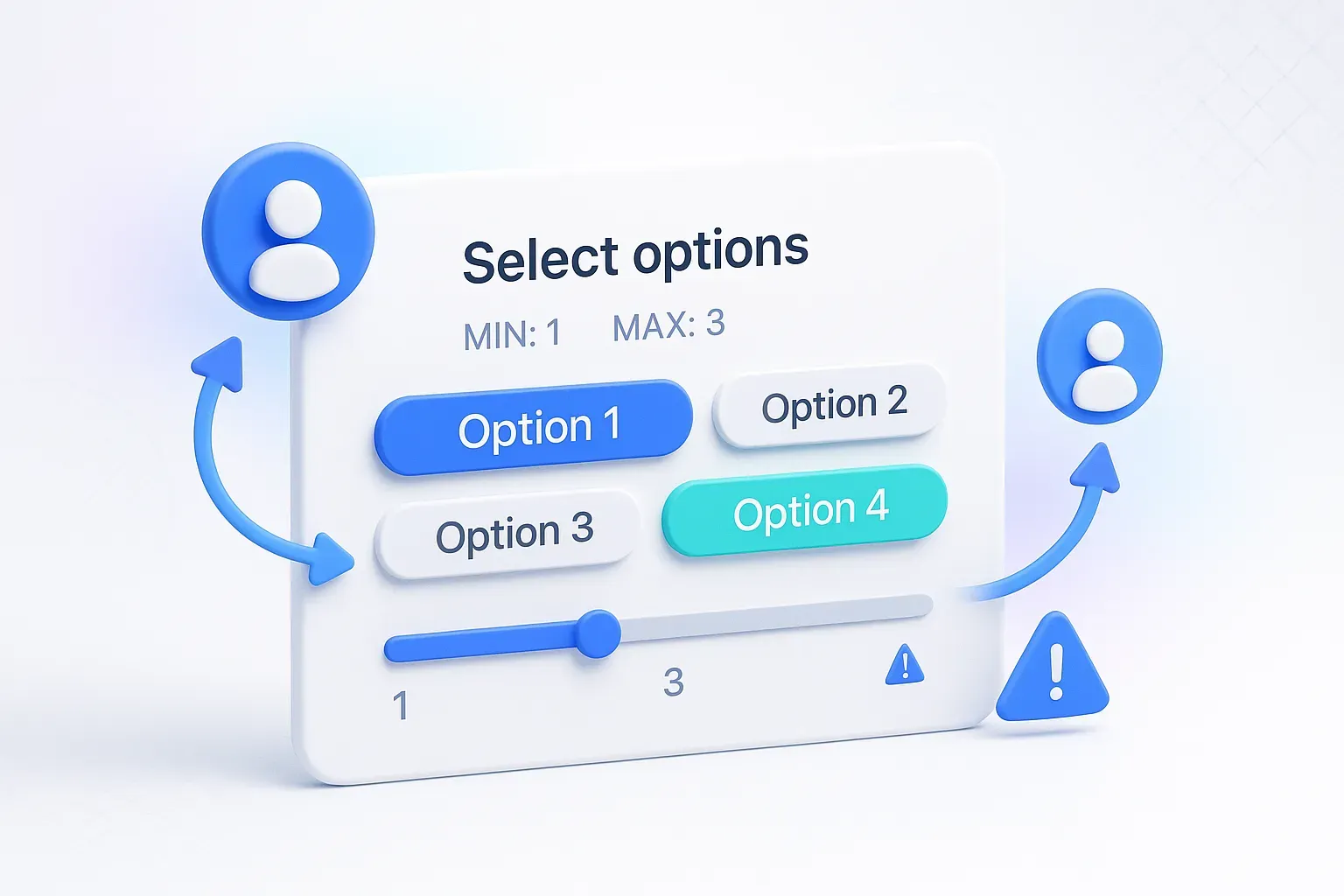
You can now define minimum and maximum selection requirements for multi-select fields in OpnForm. Ensure your respondents input just the right amount of information. For instance, if a question requires selecting multiple tags, you can set it to require at least 2 but no more than 5 tags. Explore the flexibility of ensuring your data meets specific criteria! For more details, check out our help page: ✅ How to Set a Minimum and Maximum Number of Selections in OpnForm?
Bug Fixes & Improvements
🧹 Removed Feedback Button from Public Form Pages
The feedback button is no longer shown to end users on public forms—this was causing confusion and clutter.
🧹 Removed Feedback Button from Embedded Forms (iFrames)
Embedded forms (e.g., on your website) will no longer display the feedback button. A smoother, more professional embed experience.
🧼 Removed Branding Sentence from Submit Page
We've taken out the full "Made with..." sentence on submission confirmation screens. Instead, you'll see a cleaner "Made with OpnForm" button.
🛠️ Character Limit Now Respected in Rich Text Blocks
Fixed a bug where character limits were not enforced in rich text input fields.