November 20th, 2025
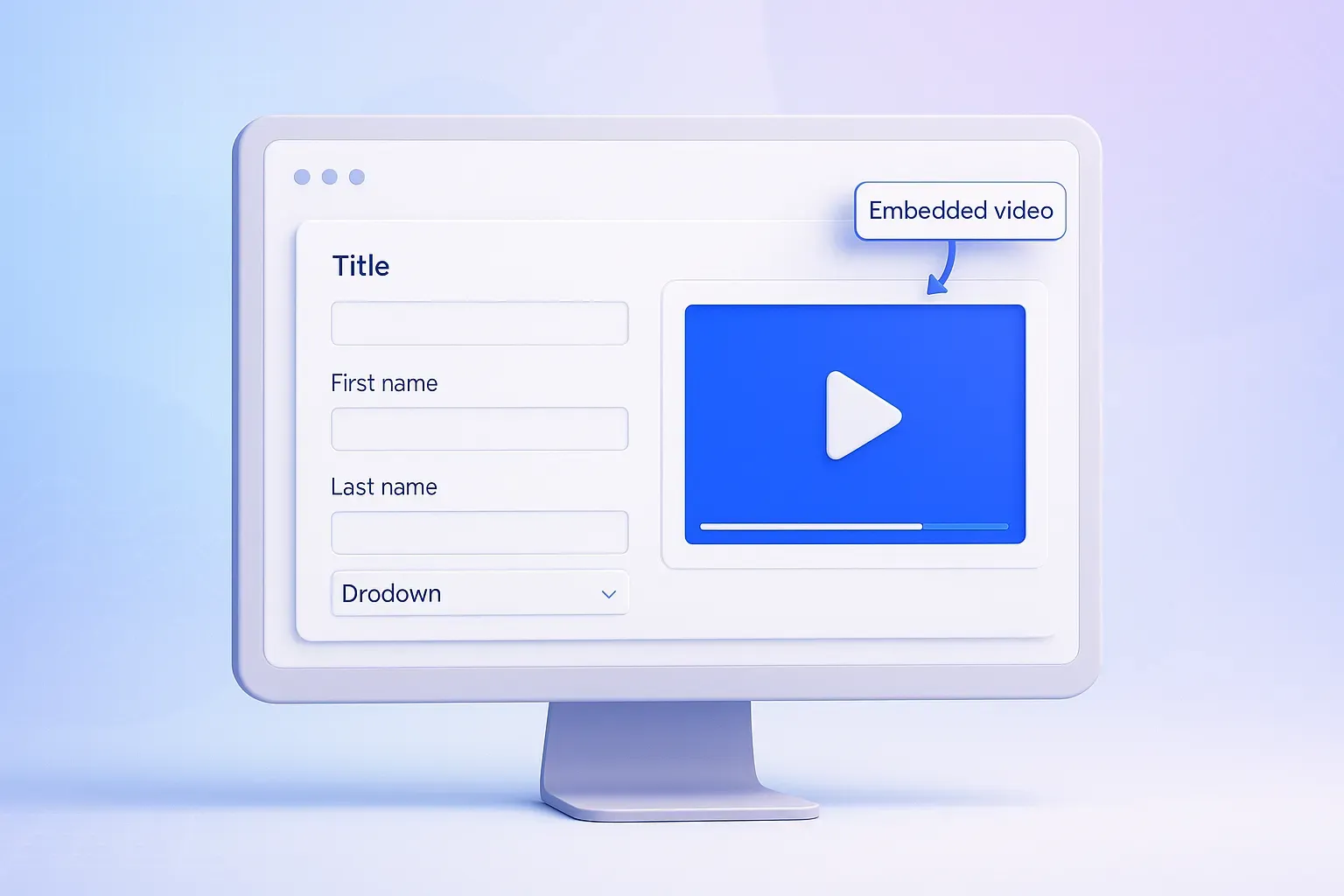
Video Block — Embed Videos & Media in Your Forms
Make your forms more engaging with the Video Block — now in OpnForm! You can embed videos and other media directly into your forms from popular platforms like YouTube, Vimeo, Loom, Tella, Wistia, Twitch, Facebook, SoundCloud, Spotify, and more.
Adding videos is simple: drag the Video Block into your form, paste a public media link, and it’s ready to play inline. The player is responsive and secure, and autoplay is off by default. OpnForm doesn’t upload or collect video content — your media plays safely from the source.
Why use it? Videos and media help clarify questions, reduce confusion, and boost completion rates, especially in detailed or multi-step forms.
Example: Add a short demo or tutorial to your onboarding form so new users can follow along step by step.
Learn more here: How to Add a Video Block in Your OpnForm
Bug Fixes & Improvements
Submit on Enter – Fixed an issue where password fields on protected forms/views didn’t submit when pressing Enter. Now, users can submit passwords directly via the keyboard without needing to click “Submit.”
Better Image Input (Unsplash & URL) – Enhanced image selection in the form editor. Users can now choose images via Upload, Unsplash search, or direct URL in the modal with clear tabs.
Required Star Styling – Resolved inconsistencies in required field styling. All input fields now follow the same formatting.
Custom Block Dragging Bug – Fixed an issue where dragging a star rating block lost its settings and displayed a number instead of stars. Dragging now preserves settings correctly.