November 28th, 2025
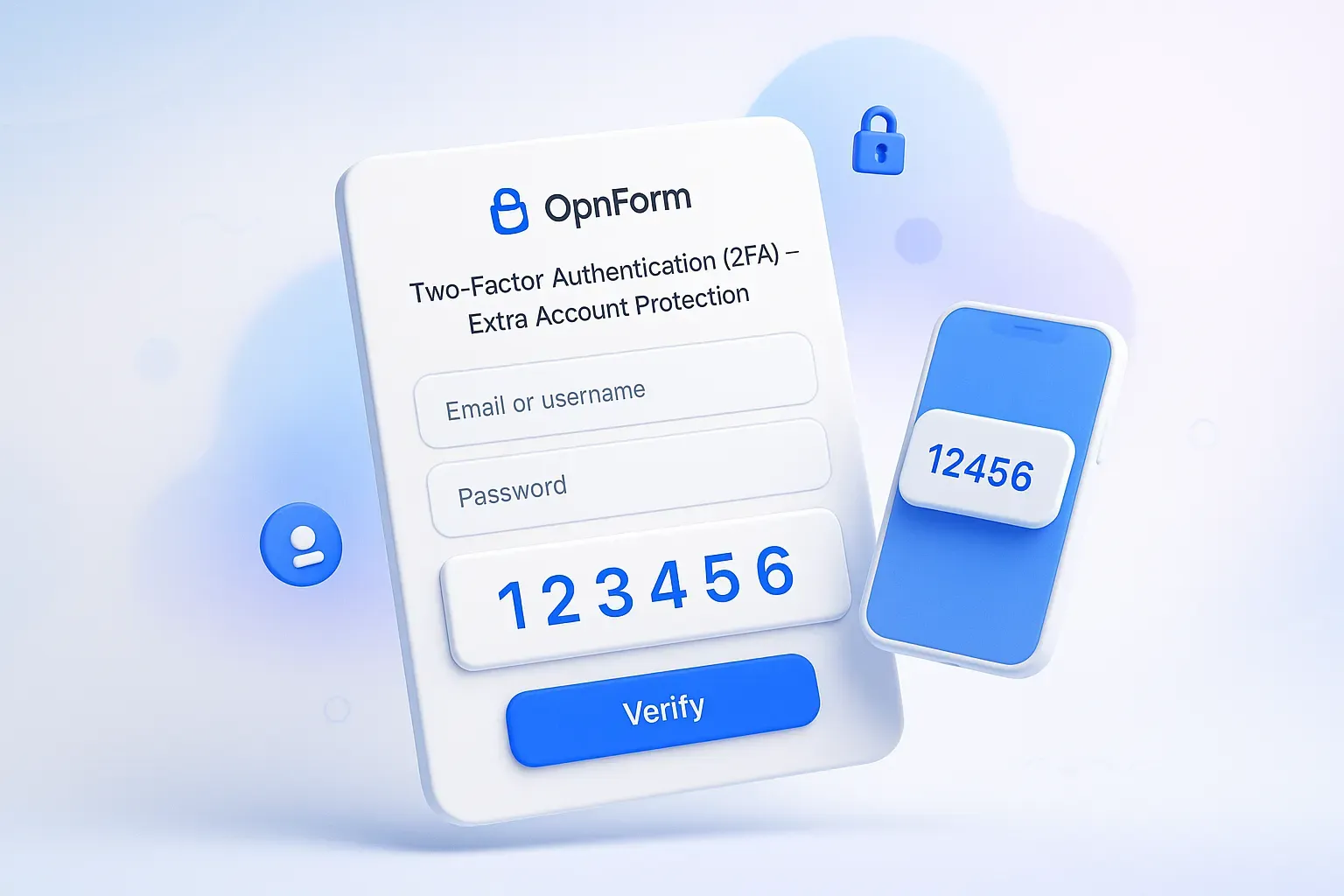
Two-Factor Authentication (2FA) for Stronger Account Security 🔐
Keep your OpnForm account safe and protected! You can now enable Two-Factor Authentication (2FA) to add an extra verification step every time you log in.
Extra Login Protection: Adds a second verification factor so only you can access your account — even if someone gets your password.
Simple Setup: Enable it anytime from your Security settings.
Peace of Mind: Helps prevent unauthorized access and secures your forms, data, and workflow.
Example use case:
If you manage sensitive forms or handle confidential submissions, enabling 2FA ensures that only verified users can access your account, reducing the risk of unauthorized access or account compromise.
Enable 2FA via Settings → Security → Two-Factor Authentication.
For a full walkthrough, see our help page:
👉 How to Enable Two-Factor Authentication (2FA) on Your OpnForm Account?
Bug Fixes & Improvements
Submit with Enter – Password-protected forms now behave correctly. You can hit Enter to submit without issues.
Faster Block Adding – Block search is now quicker and more responsive, making it easier to find and add the fields you need.
Clear Empty Fields on Update – A new option that gives you better control when updating submissions:
Enable it to clear existing values when a field is left empty.
Disable it to only update fields that have new input.
👉 How to Enable Two-Factor Authentication (2FA) on Your OpnForm Account?