November 7th, 2025
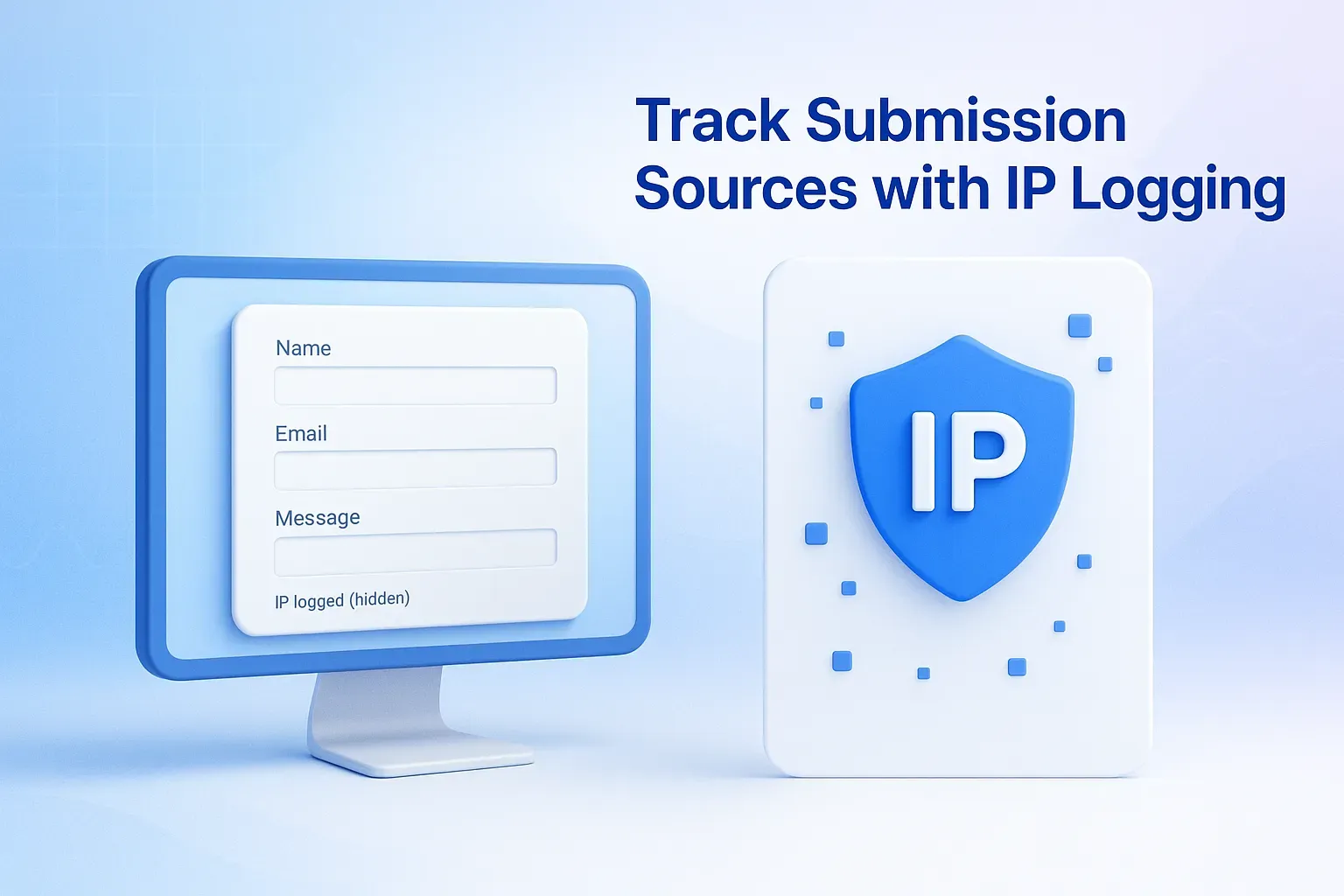
🛡️ Track Submission Sources with IP Logging (Opt-in Feature)
You can now track where form submissions come from with the new opt-in IP logging feature!
When enabled from your Form Settings, OpnForm automatically records each submission’s originating IP address and displays it as a new column in your Submissions table.
This feature helps you:
🔍 Spot suspicious or duplicate submissions
🧠 Strengthen spam detection
🛠️ Verify data during investigations or troubleshooting
All of this happens in the background, without affecting the user experience on your forms.
To protect privacy, IP logging is off by default and can be enabled individually per form.
💡 Example:
If a survey receives multiple identical responses, checking the IP column can reveal whether they came from the same source — making it easier to flag or block repeat submissions.
📘 Learn how to enable IP logging and review privacy best practices: